AI drafting and QC in Microsoft Word
Informed Consent Forms
An informed consent form has to explain a complex study in words every participant can follow, and it must still match the protocol exactly.
See Informed consent drafted in Word
A short demo on a fictitious study and product. In a live demo we walk through the same workflow and answer your questions about sources, review and deployment.
Read the transcript
An informed consent form has to explain a complex study in words every participant can follow. PharmAssist works inside Word. Choose the document type and add your source files. It lays out the document's outline, right in Word. Pick a section, and PharmAssist drafts it from your sources. Review the draft, then insert it into your document. You can also ask questions in chat. Answers come from your own files, and show which ones they used. From your sources to a draft in Word, ready for expert review. Book a demo at gentext.ai/pharma.
What it looks like in Word
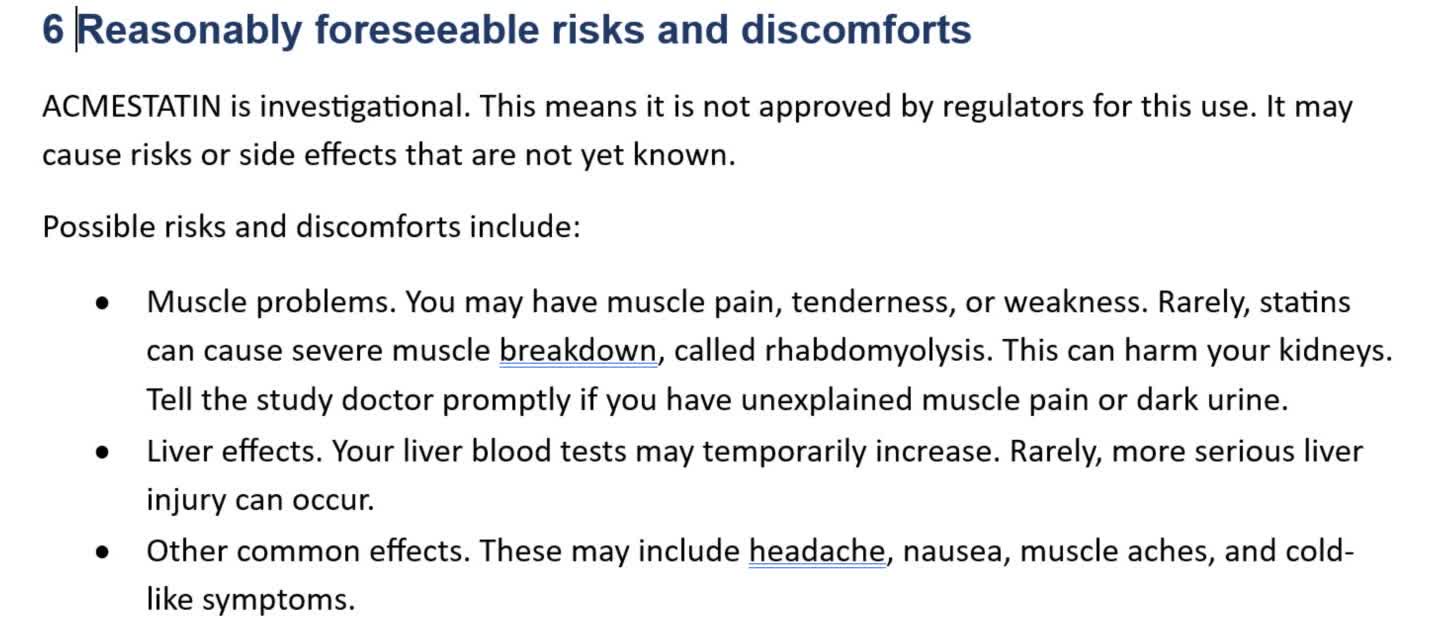
Text in this screenshot
6 Reasonably foreseeable risks and discomforts
ACMESTATIN is investigational. This means it is not approved by regulators for this use. It may cause risks or side effects that are not yet known.
Possible risks and discomforts include:
Muscle problems. You may have muscle pain, tenderness, or weakness. Rarely, statins can cause severe muscle breakdown, called rhabdomyolysis. This can harm your kidneys. Tell the study doctor promptly if you have unexplained muscle pain or dark urine.
Liver effects. Your liver blood tests may temporarily increase. Rarely, more serious liver injury can occur.
Other common effects. These may include headache, nausea, muscle aches, and cold-like symptoms.
- The master ICF outline includes a section for reasonably foreseeable risks and discomforts, an element of 21 CFR 50.25(a)(2).
- The draft explains investigational status in plain language. The muscle-risk example describes symptoms and asks participants to report unexplained muscle pain or dark urine promptly.
- Review the draft against the protocol and safety information, and resolve any [MISSING] or [VERIFY] markers before use.
Can AI write an informed consent form?
AI can draft an informed consent form for expert and ethics review. PharmAssist drafts the master ICF from your approved protocol, safety information and consent template, in words participants can follow. The pane lists the files used for the draft and displays candidate source passages where it finds a match. Review those passages against the original source. It runs completeness checks and flags potentially unsupported content for expert review.
How this document gets written today
ICF writers translate the protocol’s procedures, risks and visit schedule into plain language, while covering every required element of consent and every sponsor template statement.
Each protocol amendment can change the consent form, and missing one change is a common audit finding.
What your team can work on
Applicable consent requirements such as 21 CFR 50.25, the Common Rule and ICH E6(R3), with your sponsor template.
Master ICF draft
Draft study purpose, procedures, risks, benefits and alternatives in plain language from the protocol.
Protocol-consistency review
For an ICF, review visit frequency, blood-draw volumes and risk wording against the protocol synopsis.
Required-element checks
Check the draft against the required elements listed in your template, such as 21 CFR 50.25 basic elements.
Amendment follow-through
Redraft affected sections when the protocol changes.
How it works for Informed consent
Choose ICF
Select Master Informed Consent Form and confirm the study.
Add sources
Upload the protocol, safety information and consent template.
Draft and check
Draft in plain language and review the element checks.
Review
Insert into Word and continue to medical, legal and ethics review.
What it drafts from
Select the approved sources for the task. Data handling follows the deployment and model-service configuration agreed with your team.
- Approved protocol and amendments
- Investigator’s brochure and safety information
- Sponsor consent template
- Country and site requirements
What stays with your team
PharmAssist supports your document workflow. Interpretation, medical and regulatory judgement, approval and submission stay exactly where they are today, with qualified people and your existing review chain.
Choose GenText-hosted SaaS or a private deployment. Confirm access, data handling, model services and retention during supplier qualification.
Security and deployment detailQuestions we are asked about this document
Does it write at a set reading level?
Drafts use plain language aimed at participants. Your team sets the target and checks readability in its usual way.
Can it produce country and site versions?
Yes. Country and site consent forms are drafted from the master ICF plus local requirements. See the local consent form page.
How does it handle protocol amendments?
Add the amended protocol and redraft the affected sections. Then review the redrafted sections against the current consent form before you insert them.
Who reviews and approves the Informed consent?
Your qualified specialists do. PharmAssist drafts and checks; scientific interpretation, medical and regulatory judgement, quality review and approval stay with your team and your existing review chain. Open questions and missing inputs stay visible in the draft until a person resolves them.
Does PharmAssist work inside Microsoft Word?
Yes. PharmAssist is a Microsoft Word add-in for Windows, Mac and Word on the web. You choose the document type, add your source files, review the outline and section drafts in a side pane, and insert approved text into the document you are already working on.
Where does our data go, and do we need a Veeva connection to begin?
Choose GenText-hosted SaaS or a private deployment. Data handling, model services and retention are confirmed with your technical owner during supplier qualification. A demonstration starts with fictitious documents and upload; connections to Veeva Vault or other source systems are scoped during implementation.
Teams that start here often widen to
Clinical trial documents
Country and Site Informed Consent Forms
Adapt the master ICF to one country’s requirements.
Read more
Clinical trial documents
Clinical Trial Protocols
Draft protocol sections from the approved synopsis and design decisions.
Read more
Scientific communications
Plain Language Summaries
Tell patients and the public what a study found, simply.
Read more
Talk to us about Informed consent
Tell us your role, source material and next document milestone. We will confirm the demonstration scope and define a paid pilot with your team.
Prefer email? alex@gentext.ai